Service Preparation
Registration
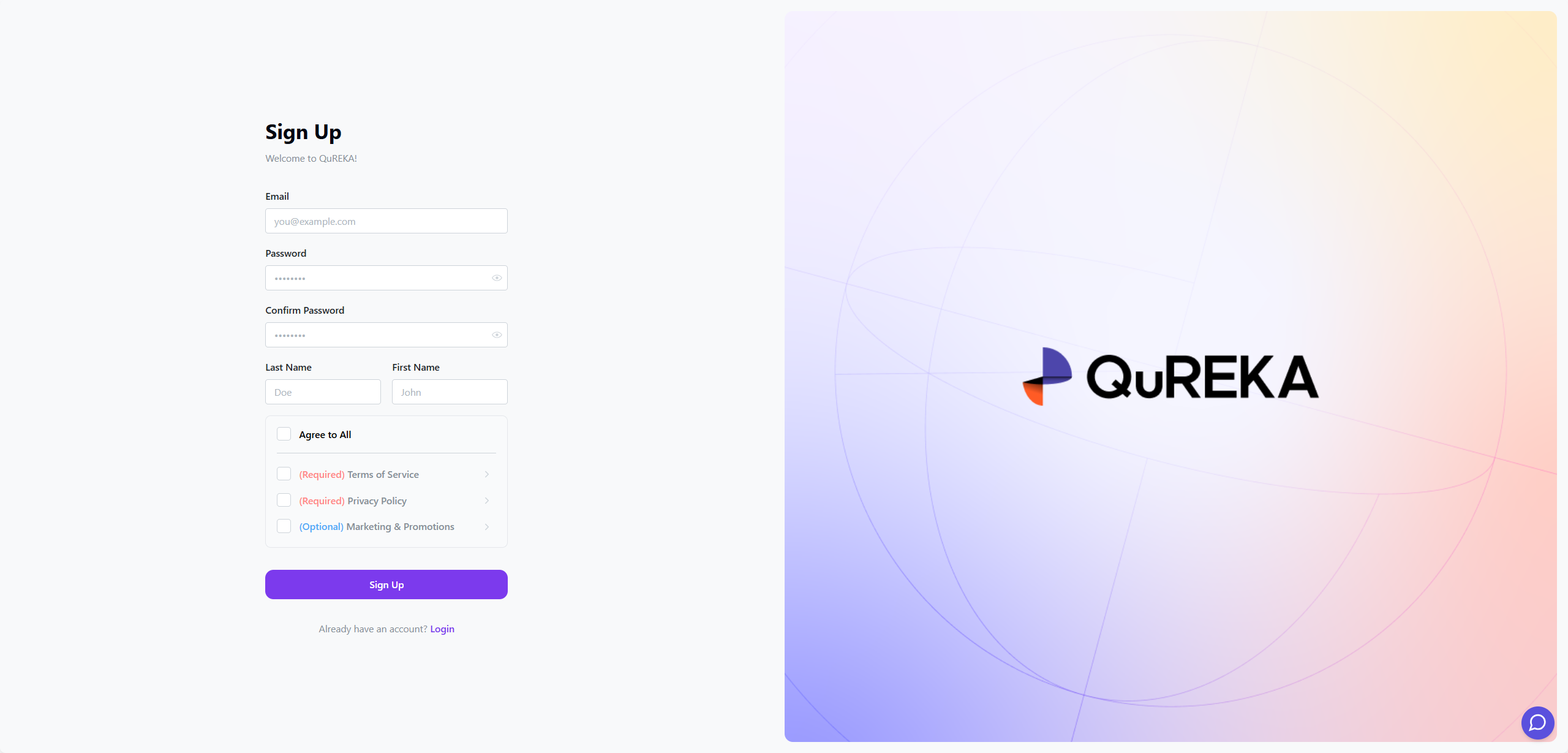
QuREKA is accessible instantly via web browser without the need for any software installation. Users can prepare to use all QuREKA services simply by accessing the QuREKA portal and completing the registration and login process.
API Key Generation
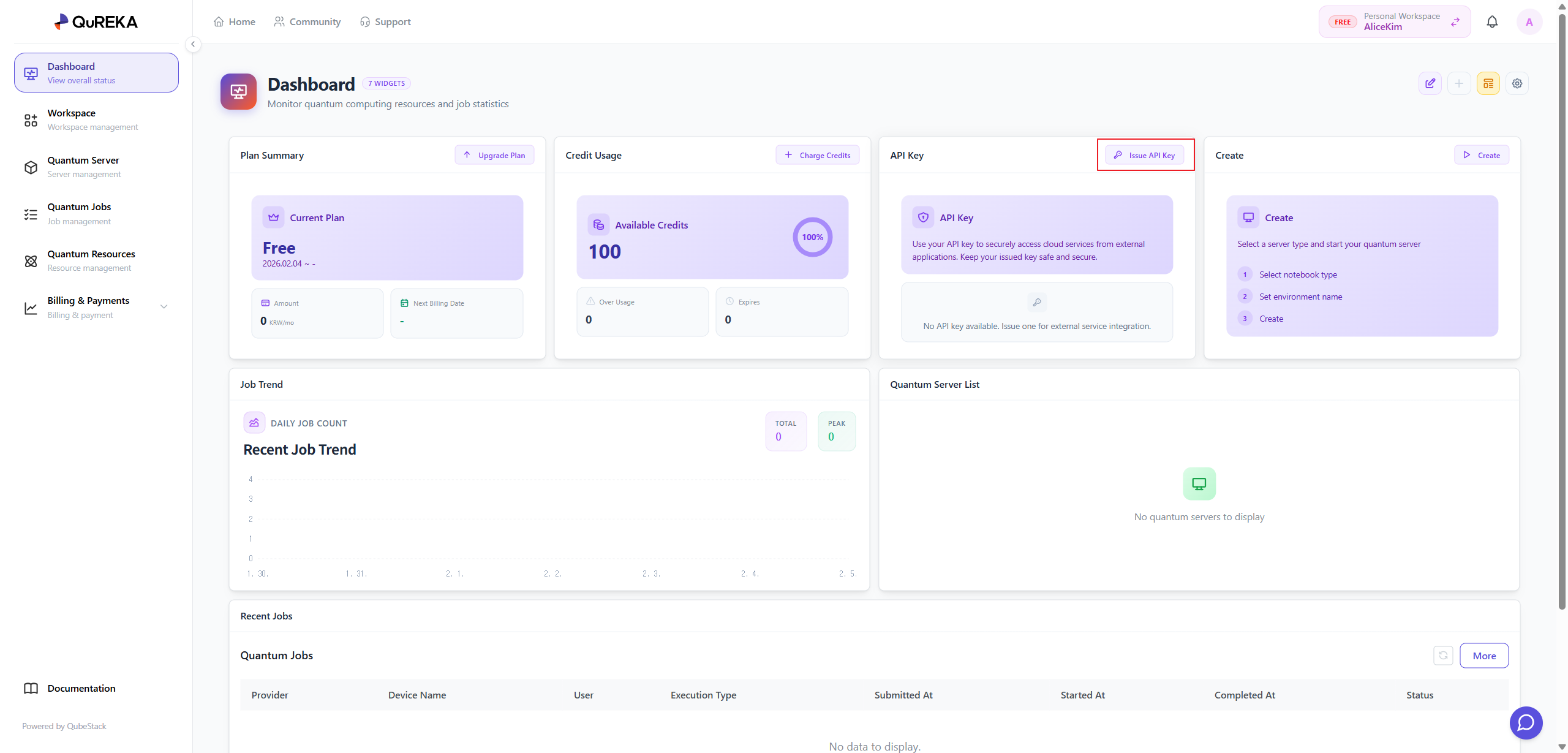
After logging in, click the Login or Get Started button on the QuREKA portal to access the console page. Upon successful access, the dashboard for your personal workspace will appear as shown in the image above.
[Dashboard Screen Image]
To use QuREKA's resources and SDKs, users must first obtain an API key. Click the [Generate API Key] button on the dashboard to issue your key.
[CAUTION] For security reasons, never share your API key with others. If you suspect your key has been compromised, please regenerate it immediately.
Workspace Creation and Invitation
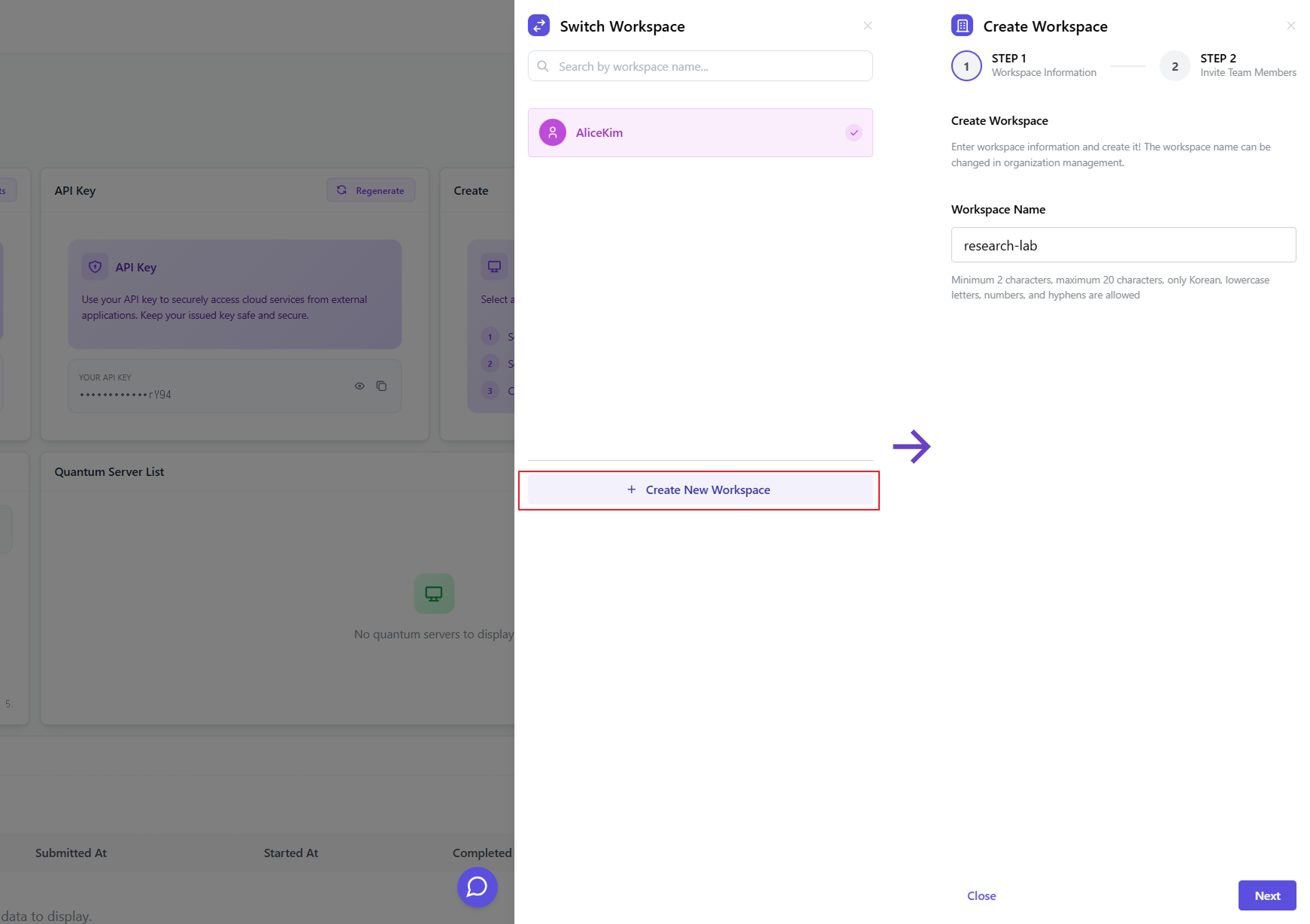
QuREKA provides a management environment based on Workspaces for efficient collaboration. In addition to personal workspaces, users can create team workspaces for collaborative development and invite colleagues.
Creating a Team Workspace
You can create a new team workspace by clicking the Workspace Switcher icon located at the top right of the screen.
Inviting Members to a Workspace
You can invite collaborators to your workspace. An invitation email will be sent to the email address entered during the invitation process.
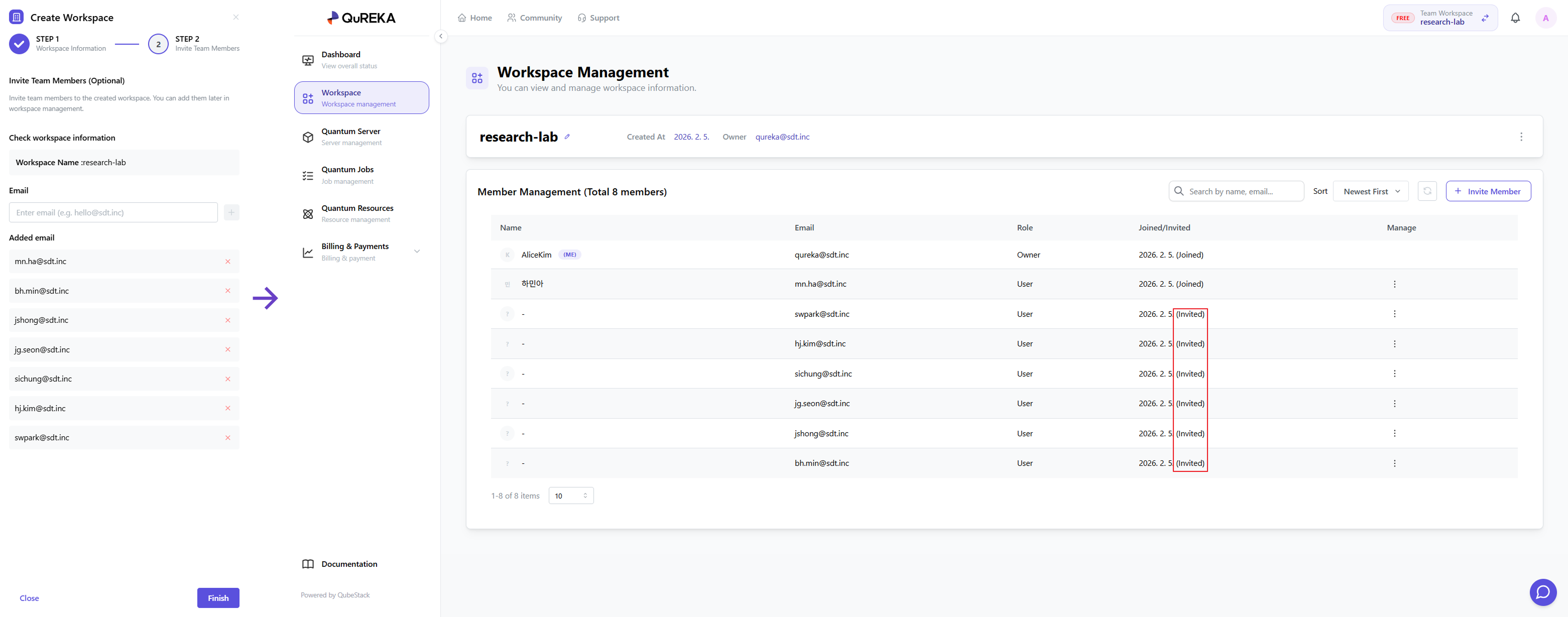
Workspace owners can add and manage development personnel later through the Workspace Management page.
No comments to display
No comments to display